
The first-time visitor
Unclear headlines, jargon, a hidden sign-up.
AI test users try your signup and dashboard in your own browser. One report adds SEO, AI search readiness and security, with the fixes ranked.
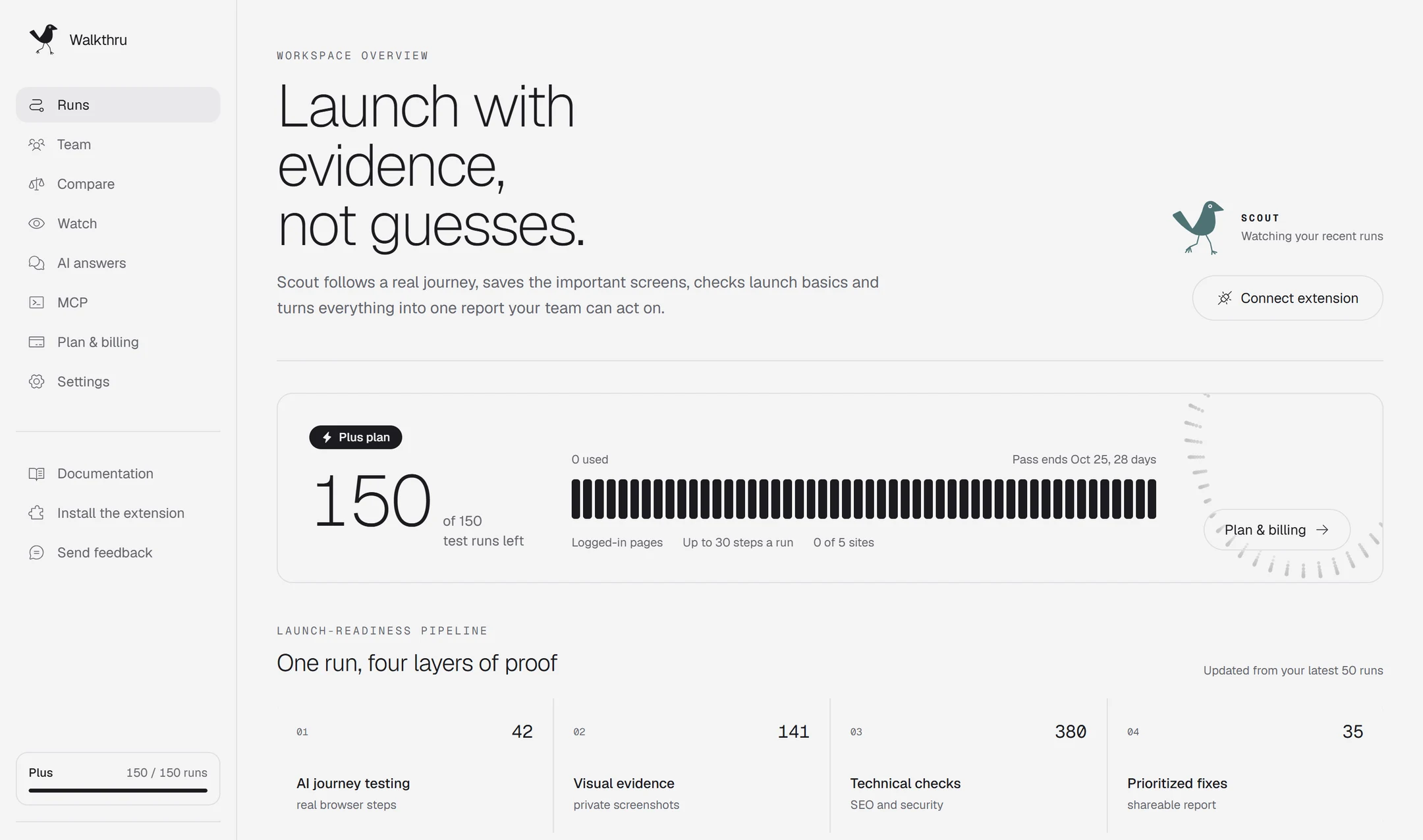
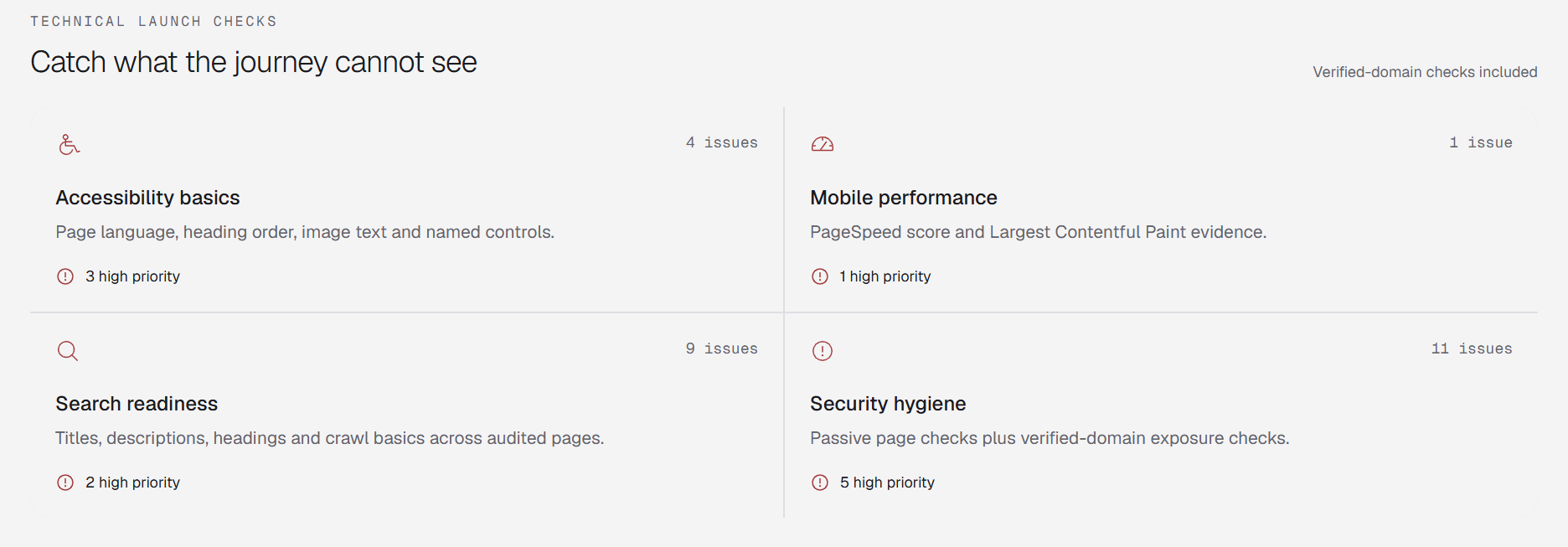
Every scan checks: robots.txt and AI crawlers, llms.txt, Structured data, Sitemap.xml, Canonical links, Open Graph tags, Titles and descriptions, Content that needs JavaScript, Core Web Vitals, Image alt text, Heading order, Content-Security-Policy, HSTS, Mixed content, CORS with cookies, Source maps, Keys in JavaScript bundles, Supabase row access, Subdomain takeover, Vulnerable libraries, SPF and DMARC.
Paste your address for a free Instant Scan: SEO, AI search readiness and security in about 20 seconds.
Open your site, click the bird and pick who tests it. Walkthru turns your goal into a checklist first.
The extension drives your real tab. Our server decides every click and notes what confused it.
Get one ranked report. Paid runs include a prompt for your coding agent. Rerun to see what is fixed, new and still broken.


“Nothing happened. No error message. I would leave now.”
Every reported stuck point has a step and the test user’s words. Screenshots and replay appear when capture was available.
What a stranger thinks in five seconds, one score from 0 to 100, the fixes to do first and a live badge for your site.
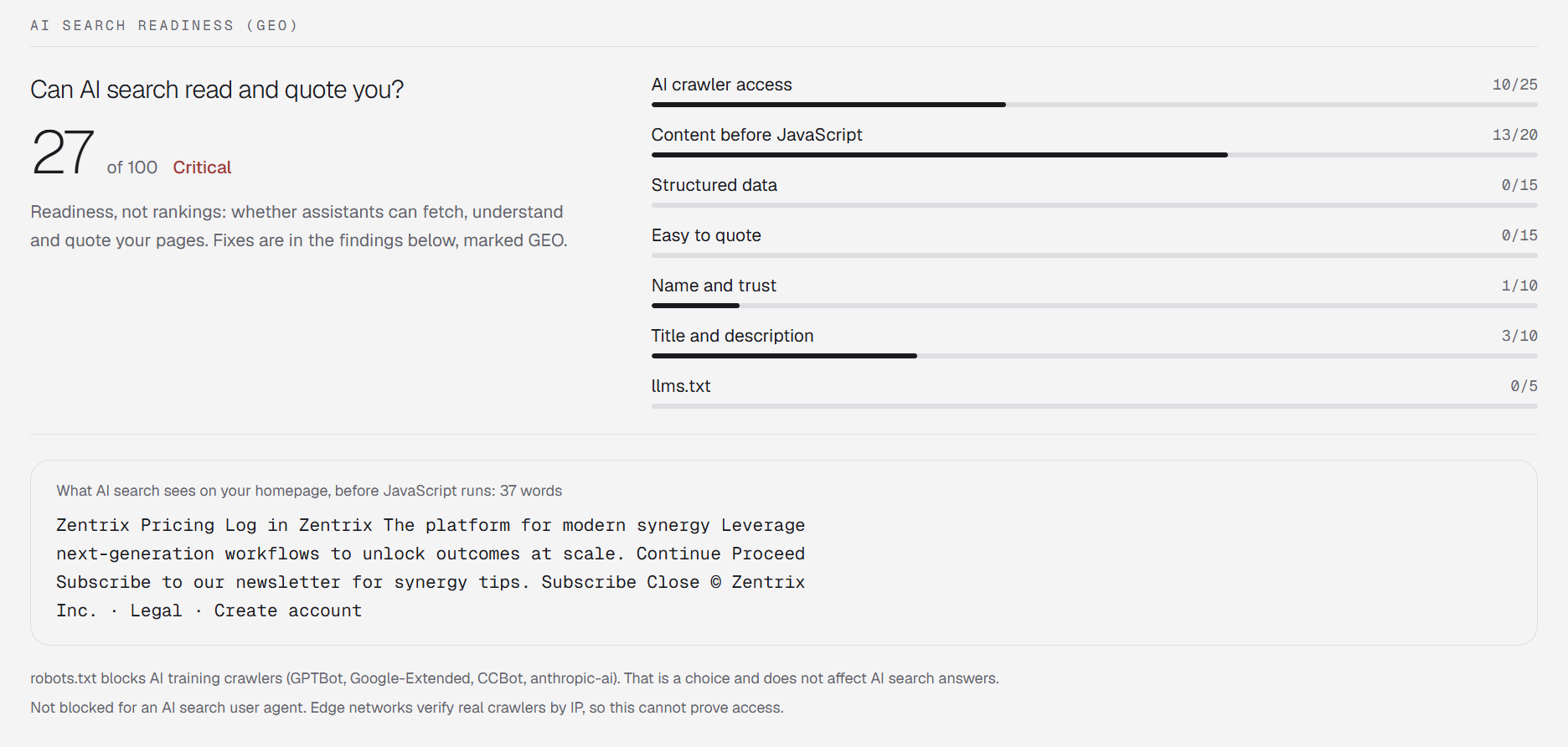
Titles, broken links, duplicates and sitemaps across audited pages, plus whether AI crawlers can fetch and understand your content.
Missing headers and plain http on public sites, plus public files and browser-shipped keys on verified domains. Passive checks only.
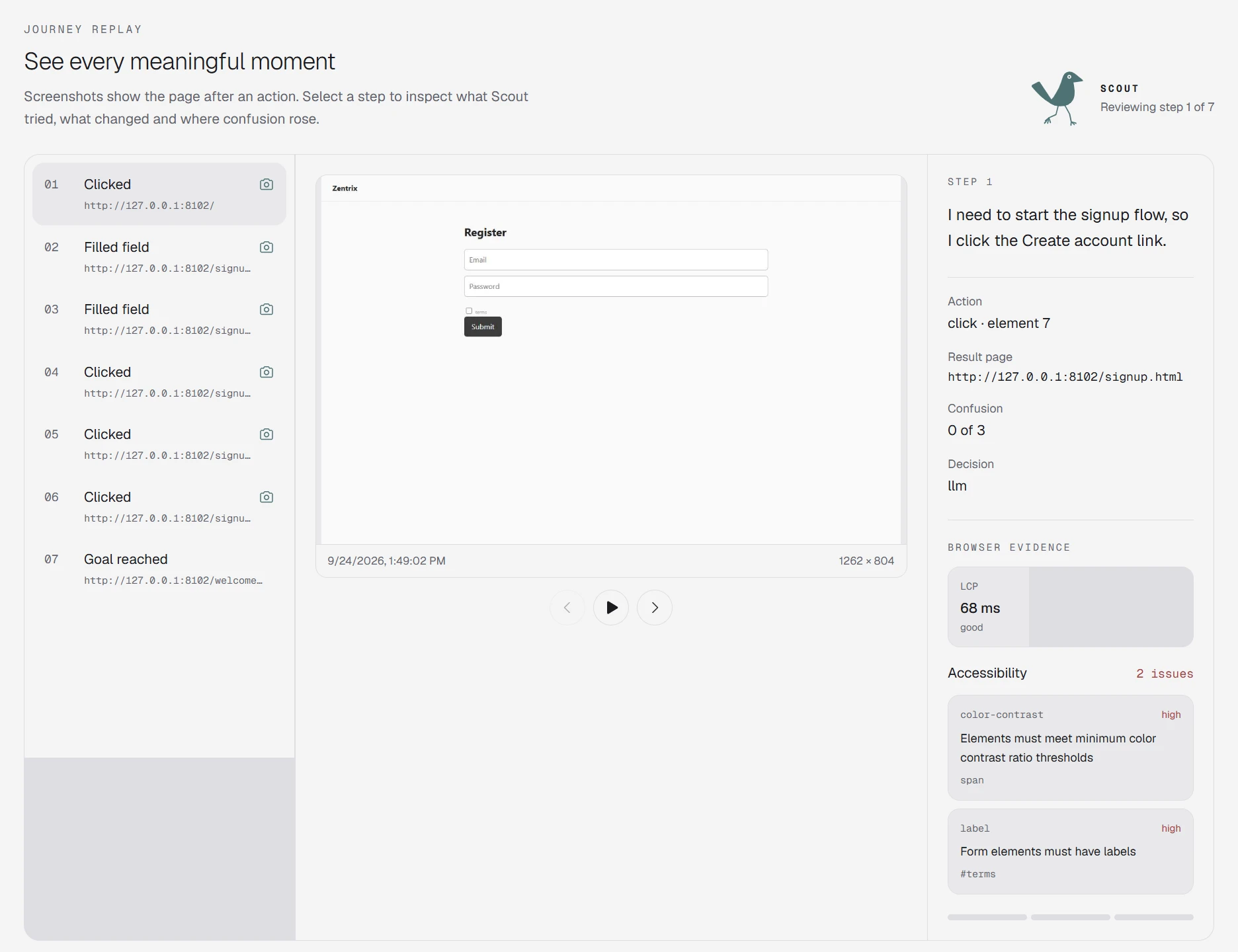
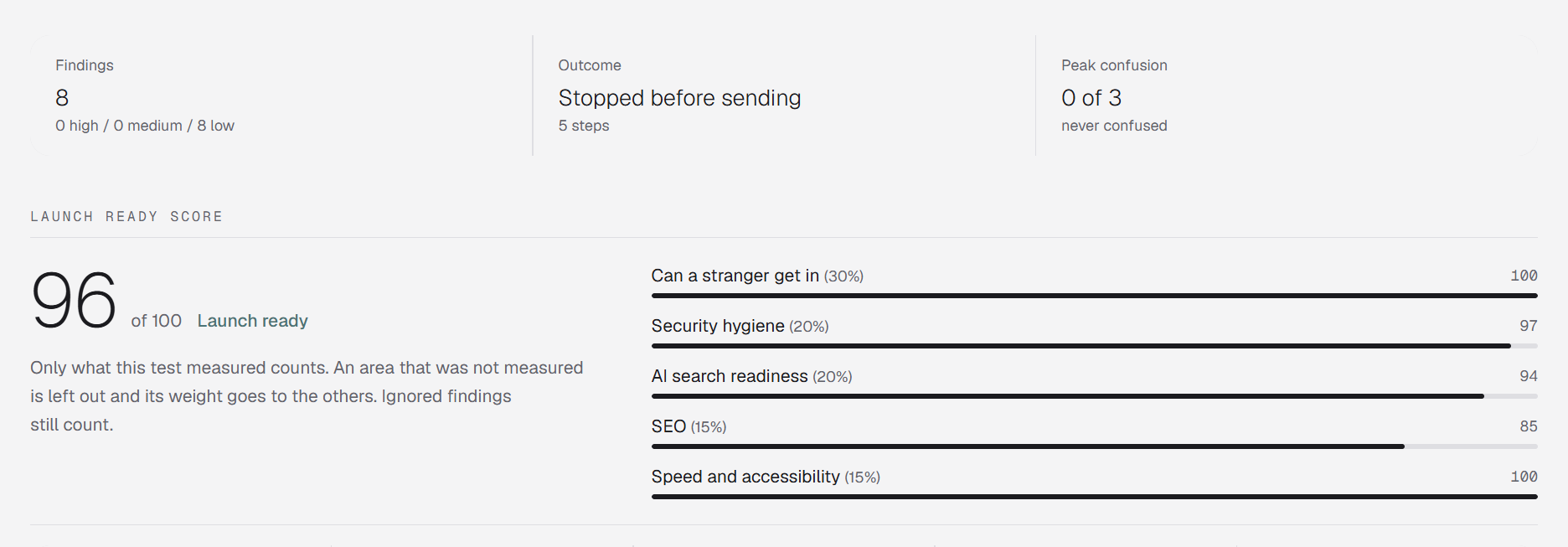
Each test user acts like a real kind of visitor.
Unclear headlines, jargon, a hidden sign-up.

Broken menus, tiny buttons, slow pages.

Hidden pricing, missing trust signals.

Vague claims, silent errors, broken links.

Buried settings, dashboard dead ends.
Tests run in the tab you are already logged into.
Never clicks delete, cancel or pay. Asks before submitting forms.
Emails, long numbers and typed values are masked in your browser.
Headers on public pages; file and key checks only on sites you have verified.
$0
forever
$9
one time, 30 days
$19
per month, $15 for founding users
$49
per month, waitlist
An AI that acts like a certain kind of visitor, for example a busy shop owner on a phone, and tries to use your site the way that person would. It says what it is thinking, so you see where it gets confused.
Safe mode blocks delete, cancel, payment and send actions and asks you before submitting forms on logged-in pages. For dashboard tests we still recommend a test account.
A text outline of the page: buttons, links, headings and errors. Emails, long numbers and typed values are masked in your browser first.
No. It is a hygiene check of headers, https, public files and leaked keys. It never sends attack payloads, and the file and key checks only run on sites you have verified.
Whether AI search crawlers can fetch and understand your pages. Walkthru measures readiness and gives copy-paste fixes. It never promises citations or rankings.
It shows what stops people: unclear messages, missing trust signals, broken steps. That is an informed review, not a guarantee.

Start with a free Instant Scan. No install, about 20 seconds.